Reference-image editing guide
FLUX Kontext prompts: describe the edit before the style
Prompt Image Atlas editorial team · Published: 2026-10-22
You upload a useful reference, ask for a “premium editorial look,” and get a polished image that quietly changes the thing you needed to keep. The fix is usually not more adjectives. It is a clearer edit brief.
FLUX Kontext prompts are most useful when they name the reference, the requested change, and the boundaries. The templates below are writing patterns, not a benchmark: we have not run a model comparison or claimed these examples were tested in FLUX.
Start with a keep/change brief
Before writing style words, split the request into two lists:
- Keep: subject identity, product shape, number of objects, pose, text that must remain readable.
- Change: background, crop, color treatment, wardrobe, season or lighting direction.
- Check: edges, labels, hands, reflections and any small text.
This makes a prompt reviewable. If the output fails, you can point to the exact instruction that was lost instead of rewriting everything.
Template 1: clean product background
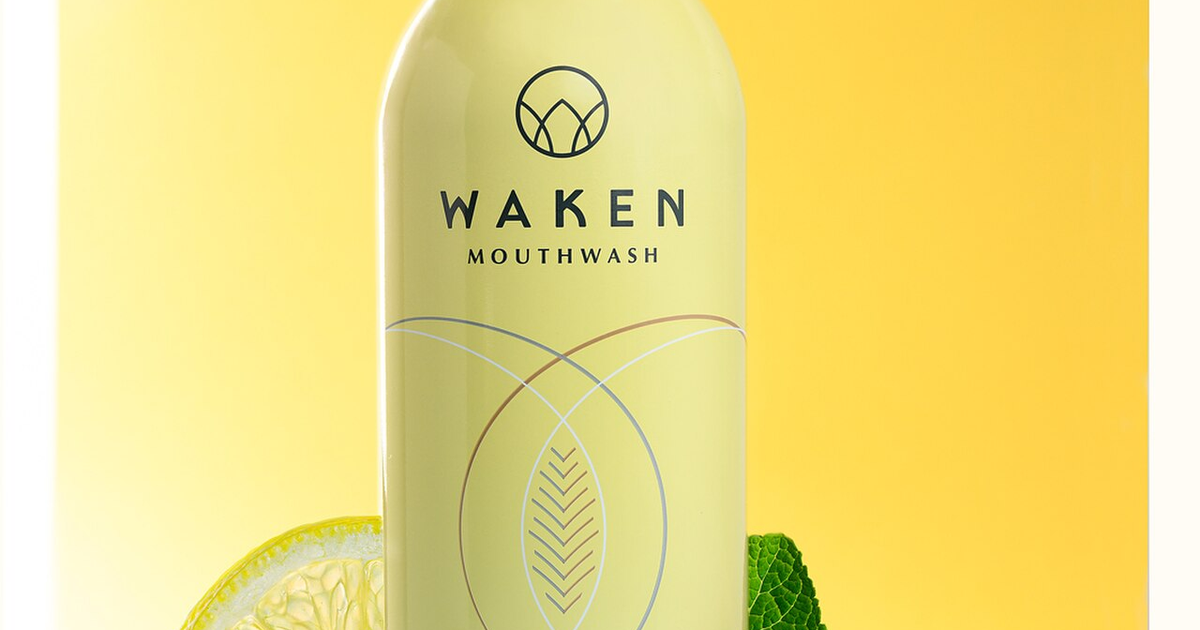
Use the uploaded product photo as the reference. Keep the bottle shape, cap, label placement and number of objects unchanged. Replace the background with a warm, lightly textured stone surface. Keep the product centered with room above for a headline. Use soft light from the upper left and a natural contact shadow. Do not add text, logos or extra objects.
This is a controlled edit brief. The reference image carries the product facts; the text describes the new setting and the limits. Inspect the label and the contact shadow at full size.
Template 2: location and season change
Use the uploaded portrait as the identity reference. Keep the person's facial features, expression and pose. Change the setting to a quiet autumn train platform at blue hour. Add a wool coat in muted rust, soft ambient light and a shallow background blur. Keep the face recognizable and avoid changing age, accessories or camera angle.
Use this structure when the person matters more than the scene. “Keep recognizable” is an intention, not proof that an edit preserved identity; compare the result with the source and use only images you have permission to edit.
Template 3: composition for a banner
Use the uploaded still life as the reference. Keep the main object and its proportions. Extend the scene to the right into calm, low-detail negative space for a website headline. Match the original surface, shadow direction and color temperature. Do not mirror the object or invent a second focal subject.
Describe where the new space goes and what visual cues must continue across the seam. Then check the crop at the actual banner size. A wide canvas can hide a broken edge until the image is placed in a page.
Make one change per revision
When an edit misses, change one variable: first the background, then the crop, then the color. Keep a short record of the original instruction and the revision. This is a practical troubleshooting habit, not evidence that any particular model will obey every phrase.
For broader prompt structure, see our AI image prompt guide. For layout planning, use the negative-space composition guide. The official article and gallery are at Prompt Image Atlas.