Product background guide
AI Product Background Prompts: Keep the Product Fixed
Prompt Image Atlas editorial team
AI Product Background Prompts: Keep the Product Fixed
An AI product background prompt should specify two things separately: the scene you want changed and the product details that must remain accurate. Start with a clear reference image when your chosen tool supports editing, request one background change, and compare the result against the original before using it.
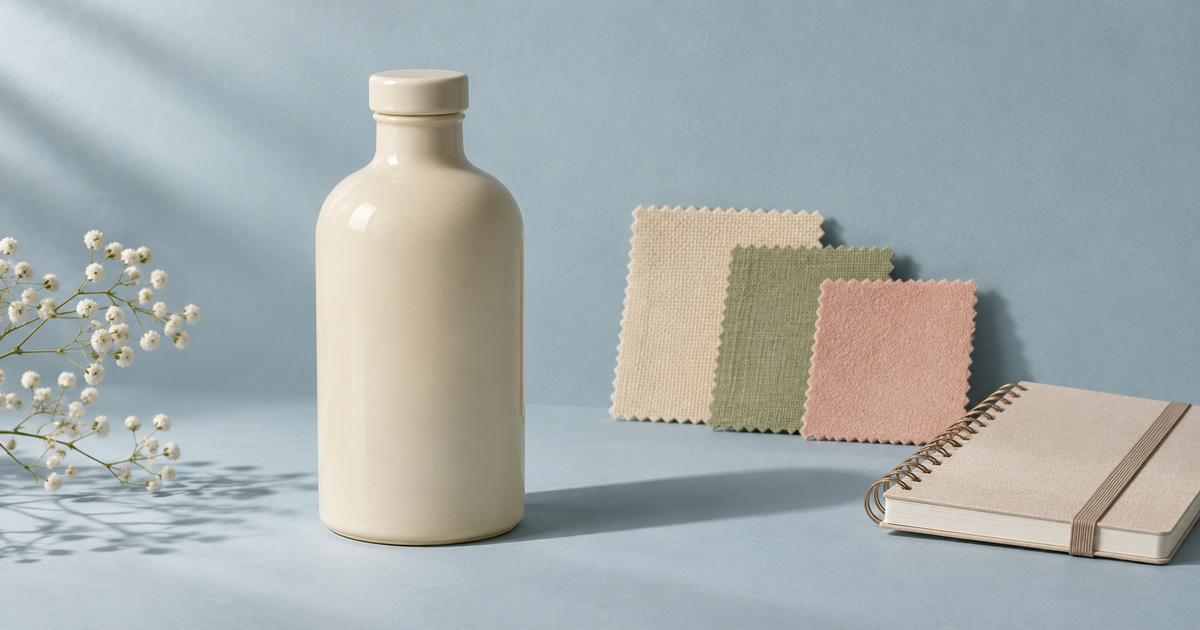
A convincing scene can still contain an altered label, cap, proportion, or shadow. Review the product itself before judging the background. Instructions express your intent; they do not guarantee an exact copy.
Key takeaways
- Separate the background request from the product accuracy checklist.
- Keep the original reference available for comparison.
- Change one scene choice at a time and inspect every result.
Choose editing or a new concept image
Use a reference editing workflow when you need to show an existing product. Use text-only generation for an illustrative concept where you can tolerate a fictional object. Do not present a generated approximation as an exact photograph of merchandise.
OpenAI's image generation guide documents image inputs and editing workflows. Supported controls differ across models and interfaces, so check your tool's current options rather than assuming a prompt library performs the edit itself.
The product photography guide covers broader choices such as framing, lighting, and scene purpose. Here, keep those choices stable while working on the background.
Write a brief with protected details
Describe the requested surface, environment, light direction, and usable space. Then list the product features you will check: silhouette, label text, color, packaging geometry, and visible accessories.
Here is an untested example brief for a reference image you are authorized to use:
Replace the background with a pale blue studio sweep and a matte surface. Use soft light from the left and a restrained contact shadow beneath the bottle. Keep the reference bottle's silhouette, cap, label wording, colors, and proportions unchanged. Show the complete product with clear space around it. Add no props or new writing.
This is a planning template, not a model-specific command or a promise that every protected detail will survive.
Make one background decision at a time
Begin with a plain scene before adding materials or props. If the background color is wrong, revise the color instruction while leaving the composition and lighting request alone. That makes the next result easier to evaluate.
| Request | What to specify | What to inspect |
|---|---|---|
| Plain studio | Color and surface finish | Clean edge around the product |
| Lifestyle setting | Location and restrained props | Props do not obscure the label |
| More copy space | Which side needs room | Product stays complete and readable |
| Softer lighting | Direction and shadow quality | Packaging color remains believable |
Avoid a long list of conflicting styles. “Natural kitchen light” and “dramatic spotlight” describe different decisions; choose the one the intended image needs.
Compare the product before the scenery
Place the original and edited result side by side. Inspect the cap shape, label wording, edges, and proportions. Zoom in on small text and repeated patterns. If a detail is uncertain, keep it marked for review instead of accepting a plausible replacement.
Check whether the new shadow actually meets the object and whether the surface appears to support it. A good background should help the product read clearly, not distract from a mismatched contact point.
For an actual listing, follow the marketplace's current image requirements and use accurate product imagery. A polished draft is not evidence that a platform will accept it.
Save a reusable prompt record
Keep the original reference, the final prompt, tool and model if known, and a short note on what changed. Retain rejected versions when they explain a recurring error. This makes the next revision easier than starting from a successful-looking image alone.
Browse Prompt Image Atlas for visual ideas, then adapt the scene brief to your own product. Treat examples as starting points and review the resulting merchandise details independently.