Pet portrait guide
ChatGPT Dog Portrait Prompt: Preserve Your Pet's Markings
Prompt Image Atlas editorial team · Published: 2026-11-26
For a dog portrait prompt, start with a clear reference photo and describe the changes you want around the animal. Keep identifying markings, ear shape, muzzle proportions, and coat color on a separate review checklist. A recognizable pose is not enough if the result changes the details that make the dog yours.
Use a photo you are authorized to upload. If your chosen interface supports image editing, provide that photo as the reference rather than expecting a breed description to recreate a particular pet.
Key takeaways
- Separate your dog's identifying features from the requested style.
- Ask for one clear portrait change before adding more instructions.
- Compare the result against the original photo, especially asymmetric markings.
Choose a reference that shows the features
Pick a photo where the face and visible coat are easy to inspect. A close image with a covered ear or blurred muzzle leaves details uncertain. If you provide several photographs, identify which one should guide the pose and what the others clarify.
Write down the features you will check before generating: the side of a facial patch, the shape of the white blaze, the ear carriage, or the color of a collar. Use the dog's visible left and right consistently, or describe the feature as it appears in the reference image.
Do not add people or private background information when it is unnecessary for the portrait. A simpler reference can make the intended subject easier to communicate.
State the task before the style
OpenAI's image generation guide documents editing existing images and using reference images. Specific controls vary by interface and model, so check what your current workspace supports.
Here is an untested example brief:
Use the uploaded dog photo as the reference for the animal's appearance. Create a calm seated portrait on a plain sage background with soft window light. Preserve the visible facial markings, ear shape, muzzle proportions, and coat colors. Keep the whole head and both ears in frame. Add no writing, costumes, or extra animals.
The brief states your intention. It does not guarantee exact preservation, and a prompt alone cannot establish that the result matches your pet.
Add an artistic treatment separately
Once the basic portrait is clear, choose one treatment: restrained watercolor, a clean studio photograph, or a textured pencil illustration. Keep the identifying-feature request while changing the treatment.
| Decision | Example request | Review question |
|---|---|---|
| Framing | Head and upper body, both ears visible | Were important features cropped? |
| Background | Plain sage, no props | Is attention still on the dog? |
| Treatment | Soft watercolor on textured paper | Did the style erase markings? |
| Expression | Relaxed, mouth naturally closed | Does the face remain believable? |
Avoid several conflicting style descriptions. If you want a formal painted portrait, describe that directly instead of combining unrelated camera effects and illustration materials.
Compare before making another change
Place the original and generated image side by side. Check facial patches, eye spacing, ear shape, muzzle length, and the visible coat pattern. Look for duplicated collars, an extra limb, or a background object that merges into the animal.
If one feature changed, describe that specific mismatch in the next request. “Restore the white patch beside the eye shown in the reference” is more useful than asking for a vaguely better likeness. Keep the rest of the brief stable so you can assess the revision.
The portrait prompting guide explains the broader distinction between generating a new subject and editing a reference. The same distinction matters for pets.
Keep a simple portrait record
Save the authorized reference, final prompt, tool or model if known, and the accepted result together. Label the image as an artistic or generated portrait when sharing it in a context where someone might mistake it for an unedited photograph.
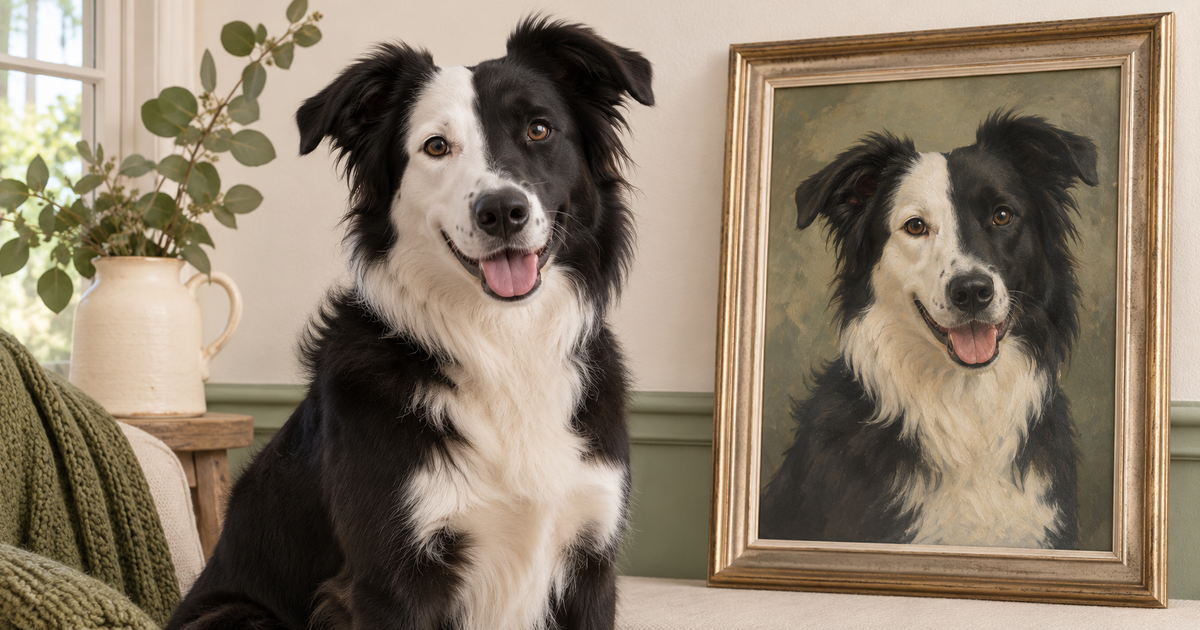
The cover here depicts a fictional dog and an illustrative framed portrait. It is not evidence from a tested reference-editing session. Use the checklist to judge your own result rather than assuming the example establishes a model's consistency.